 AEIS
AEIS
Products
Connect BIM source, design checks, and analysis delivery.
Choose BIM review, browser design, AI-assisted workflows, or connected analysis, with engineers retaining approval at every critical step.
Product map
Choose the product that matches the task.
Select a product family to see the real interface, supported engineering task, and whether execution stays in the browser or needs a licensed Windows worker.
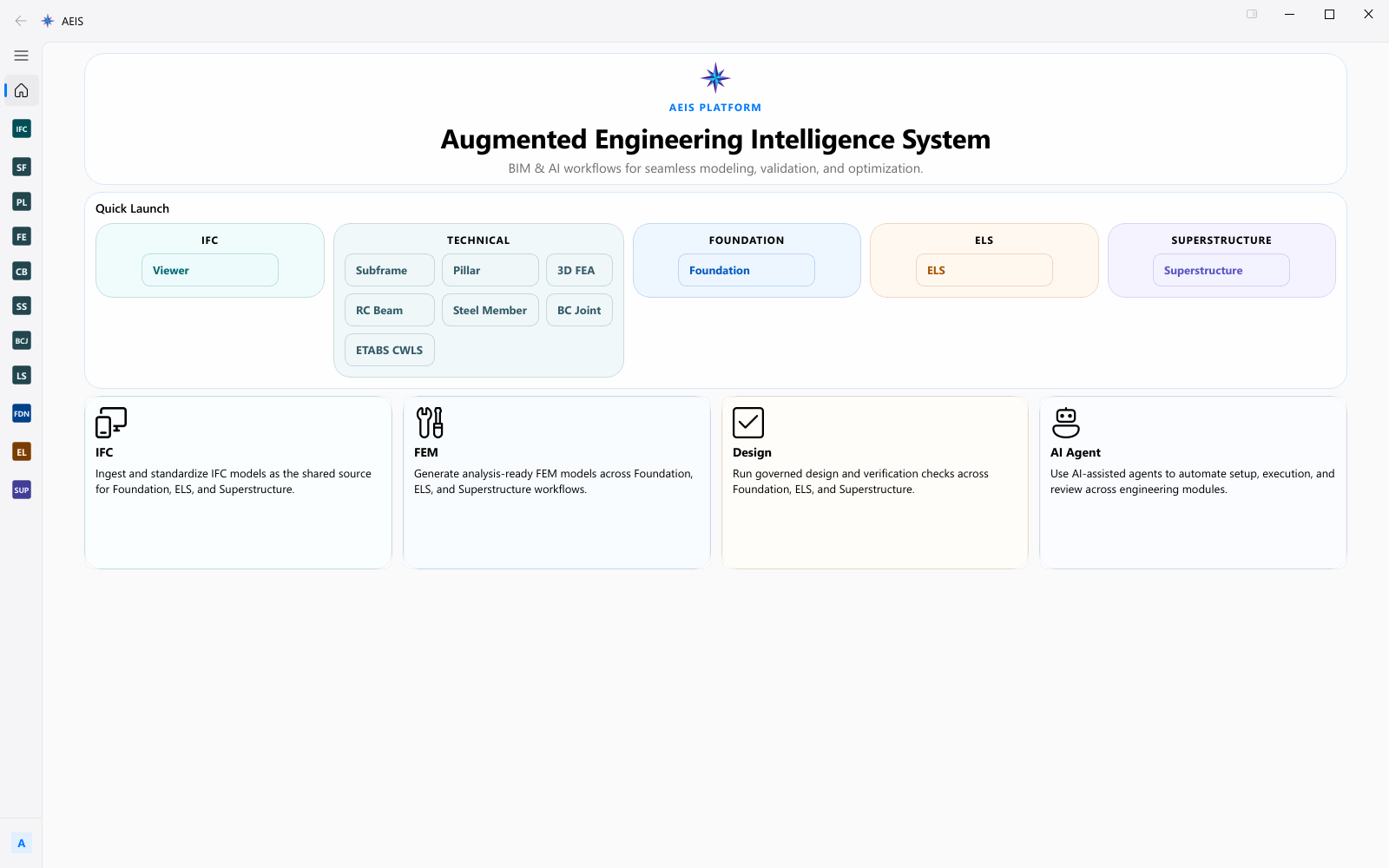
Ground planning, tool activity, and evidence in the active engineering context.
- Product directory
Browser and Windows-worker availability are listed beside each product.
- AI assistance
AI-assisted setup and review appears beside the visible IFC, FEM, and design capabilities.
- Products
- 1
- Execution
- Browser Agent + licensed desktop approval where required
Full catalogue
Search the full product catalogue.
Search by product, task, BIM source, or required output.
13 products shown
Execution
Know where every calculation runs.
Browser products run through AEIS services. Revit, SAFE, ETABS, and PLAXIS stages use licensed Windows components on a configured worker where required.
- IFC + Revit
Source
Inspect IFC geometry, attributes, and validation findings before automation starts.
- Scoped checks
Check
Apply scoped checks with inputs, calculation scope, and design evidence together.
- Browser + worker
Run
Run browser calculations or licensed SAFE, PLAXIS, and ETABS stages with named state and logs.
- Reports + artifacts
Deliver
Keep reports, logs, result data, and engineer decisions tied to the producing run.
FAQ
Execution and product-fit questions.
Clear answers on browser modules, Windows workers, and what AEIS Agent can and cannot do.
What runs in the browser?
Engineering AI Assistant, BIM Source Review, and browser-design products such as Subframe, Pillar, RC Beam, Steel Design, Beam Column Joint, and 3D FEA run through AEIS browser services.
When is a Windows worker required?
SAFE, ETABS, PLAXIS, and ETABS load-schedule stages need a configured licensed Windows environment connected through the AEIS worker.
What does Engineering AI Assistant do?
The AEIS Agent module helps structure context, plans, questions, tools, and evidence. It does not approve, certify, or silently execute protected engineering actions.
Evaluate AEIS on one engineering case.
Bring one approved source, one engineering task, and one output your team can assess. AEIS will confirm product fit and execution requirements.