 AEIS
AEIS
BIM Source / AEIS Revit Plugin
Revit Data Preparation
Prepare Revit 2026+ models for AEIS with shared parameters, Excel exchange, loading libraries, IFC export, licensing, and installer support — so BIM source data enters AEIS in a governed, engineer-reviewed form.
- Best for
- Revit authors and BIM managers preparing governed model exchanges for AEIS.
- Outcome
- Prepared Revit data and an engineer-approved IFC exchange ready for supported AEIS design and delivery products.
- Runs in
- External integration - Revit 2026+ workstation
- Requirements
- Requires Revit 2026+ and the licensed AEIS Revit Plugin on the engineering workstation.
Evidence surface
Inspect the working evidence.
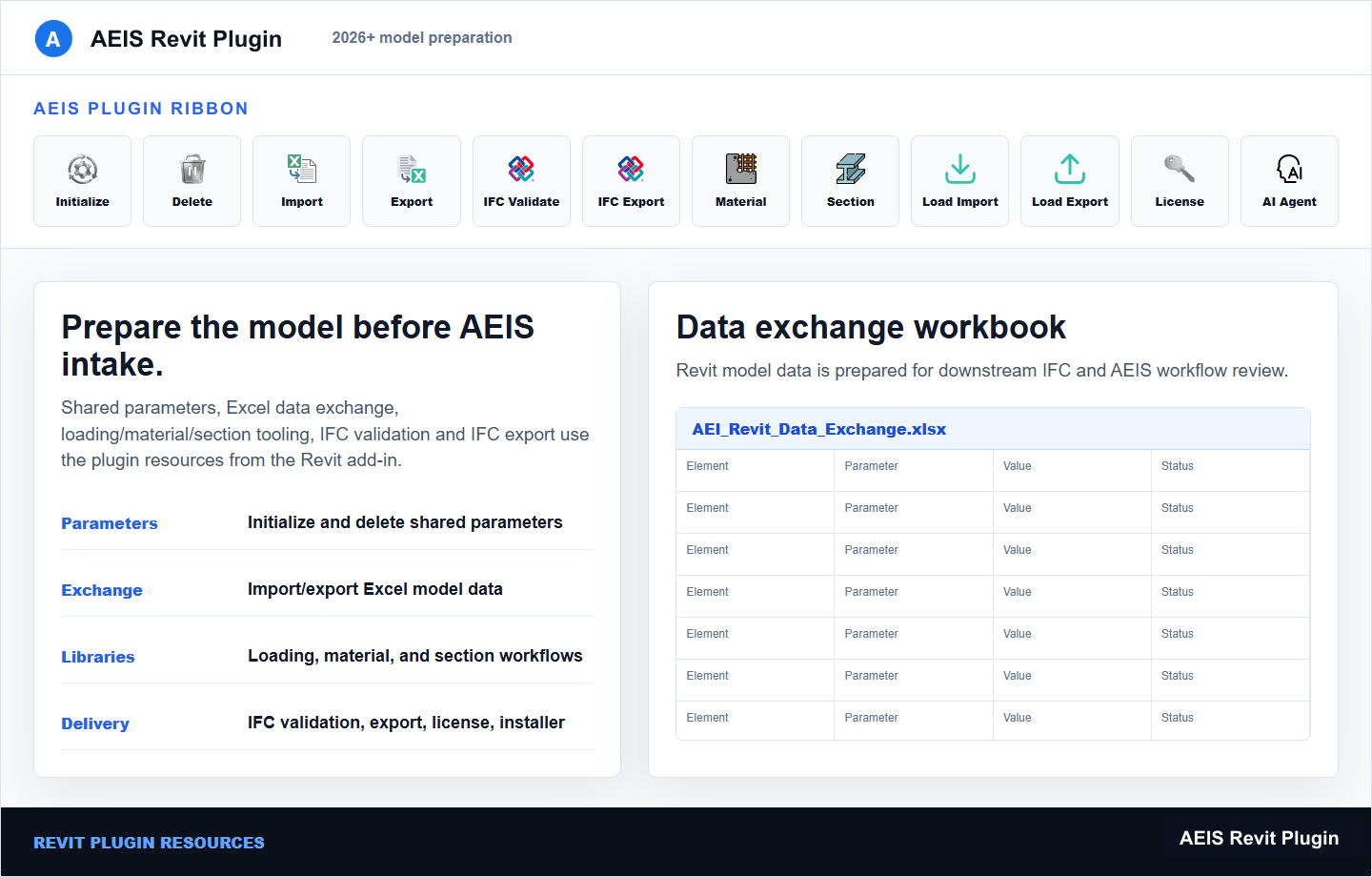
Review the product capture, then use the checklist for what a qualified engineer can verify before handoff.
- Revit 2026+ workstation integration
- Shared parameters and Excel exchange
- IFC export for AEIS consumption
- Engineer review of the exported source
This is a workstation integration, not a browser product. It requires Revit 2026+, plugin licensing, and engineer review of the exported IFC source.
Product details
Inputs, steps, and deliverables.
Prepare Revit data and a governed IFC exchange for BIM-driven automation.
Inputs
- Revit 2026+ project on the engineering workstation
- AEIS shared parameters
- Loading and export configuration
- Engineer-reviewed exchange settings
Steps
- Install and license the plugin on Revit 2026+
- Apply shared parameters and loading configuration
- Review exchanged data in Excel where required
- Export the engineer-approved IFC source for AEIS
Outputs
- Prepared Revit data with AEIS parameters
- Excel exchange files for loading and review
- IFC export for AEIS products
- Installer and licensing state for the workstation
Value and use
Why teams use Revit Data Preparation.
What this product is for in practice, and the engineering situations teams bring into AEIS first.
Value
- Align Revit data with AEIS shared parameters and loading libraries
- Produce a governed IFC exchange from the authoring workstation
- Keep export review with the engineer before automation
Use cases
- Prepare a Revit tower model for superstructure IFC build
- Exchange loading data via Excel before IFC export
- Standardize shared parameters across a delivery team
FAQ
Before you evaluate this product.
Common questions about Revit Data Preparation, execution requirements, and engineer responsibility.
Does Revit Data Preparation run in the browser?
No. It is a workstation integration for Revit 2026+. AEIS browser products consume the IFC and data the plugin helps prepare.
What Revit version is required?
Revit 2026+ with the licensed AEIS Revit Plugin installed on the engineering workstation.
Who approves the exported IFC?
The project engineer. The plugin prepares and exports; source approval and engineering interpretation remain with the team.
Evaluate Revit Data Preparation on your engineering case.
Describe the revit data preparation inputs and required deliverable. AEIS will confirm product fit, execution requirements, and the engineer-owned acceptance point.