 AEIS
AEIS
AI Assistance / AEIS Agent
Engineering AI Assistant
Use Engineering AI Assistant to inspect project context, identify missing inputs, draft scoped plans, and link tool activity to design evidence while engineers retain approval of protected actions.
- Best for
- Structural and civil teams preparing BIM-based design and analysis work.
- Outcome
- A scoped, reviewable engineering plan with visible assumptions, tool activity, pending questions, and linked artifacts — ready for engineer control.
- Runs in
- Browser Agent + licensed desktop approval for protected actions
- Requirements
- Requires an authenticated AEIS workspace; protected desktop actions require an available worker and engineer approval.
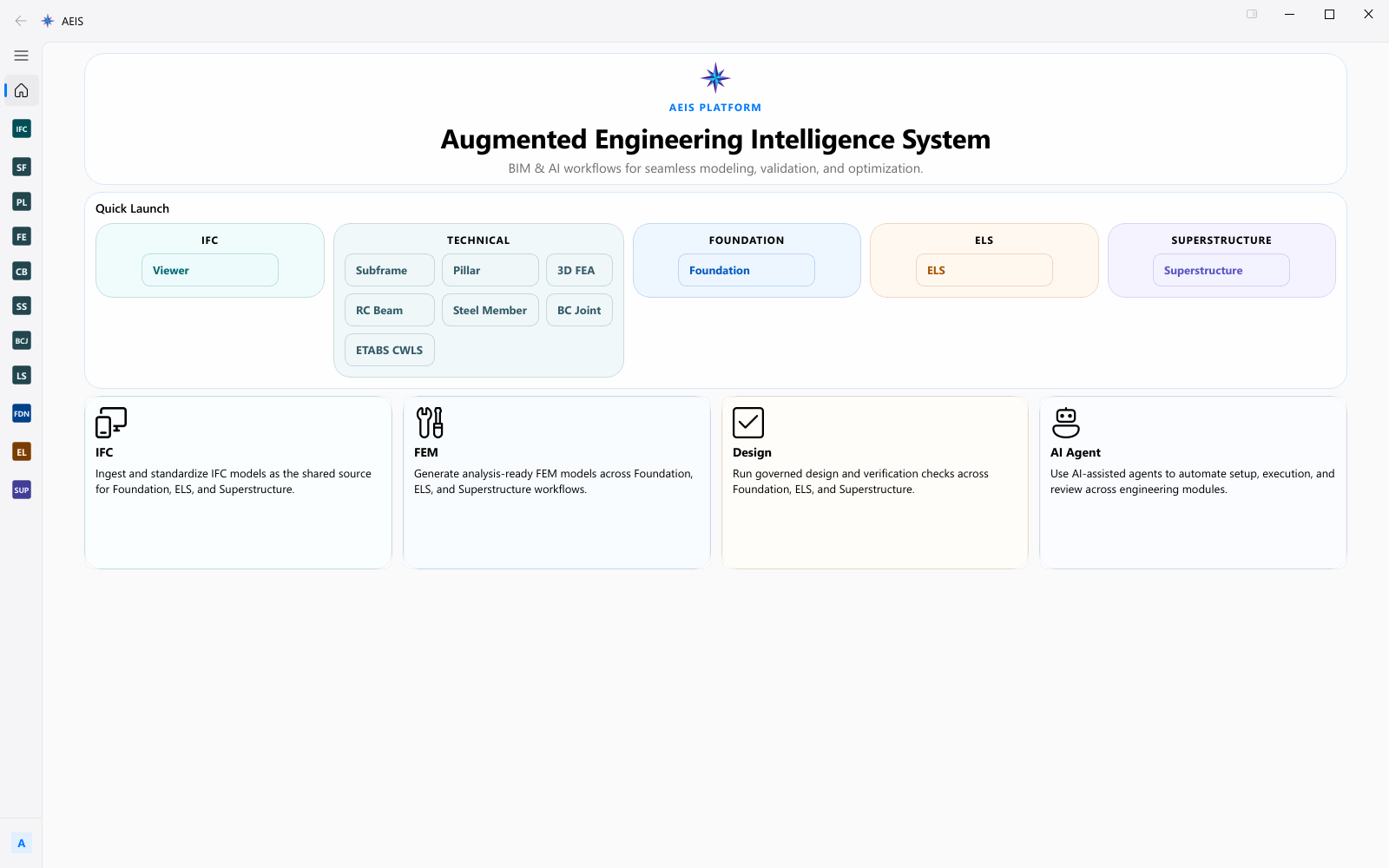
Evidence surface
Inspect the working evidence.
Review the product capture, then use the checklist for what a qualified engineer can verify before handoff.
- Context inspector tied to the active product
- Plan review before execution
- Artifact and tool evidence
- Explicit engineer approval boundary
AEIS Agent supports planning, context, and traceability. It does not approve, certify, or silently execute protected engineering actions.
Product details
Inputs, steps, and deliverables.
Engineering AI assistance grounded in active project context and visible design evidence.
Inputs
- Active product and project context
- BIM source, run state, and prior artifacts
- Engineering question or expected output
- Optional confirmed memory from earlier sessions
Steps
- Open the active product with BIM source and project context
- Resolve missing inputs and review the drafted plan
- Inspect tool activity and linked artifacts
- Approve protected execution only when the engineer is ready
Outputs
- Scoped plan and pending questions
- Tool and artifact evidence trail
- Confirmed memory proposals for reuse
- Clear handoff to protected desktop actions when required
Value and use
Why teams use Engineering AI Assistant.
What this product is for in practice, and the engineering situations teams bring into AEIS first.
Value
- Grounds assistance in the active product, BIM source, and run state
- Surfaces missing inputs and assumptions before work proceeds
- Keeps protected actions behind qualified engineer approval
Use cases
- Draft a scoped plan for a foundation or superstructure delivery run
- Inspect why a technical design check is blocked on missing inputs
- Trace which artifacts and tool steps produced a report
- Prepare a handoff package before a licensed SAFE, ETABS, or PLAXIS stage
FAQ
Before you evaluate this product.
Common questions about Engineering AI Assistant, execution requirements, and engineer responsibility.
Can AEIS Agent approve or certify design?
No. The agent structures context, plans, questions, tools, and evidence. Qualified engineers remain responsible for approval, certification, and final acceptance.
What context does the agent see?
It works from the active product context: BIM source state, run status, prior artifacts, and the engineering question you provide, rather than free-floating chat.
When is desktop approval required?
Protected actions that touch licensed desktop tools or governed execution require an available worker and explicit engineer approval. The agent cannot silently execute those steps.
Evaluate Engineering AI Assistant on your engineering case.
Describe the engineering ai assistant inputs and required deliverable. AEIS will confirm product fit, execution requirements, and the engineer-owned acceptance point.