 AEIS
AEIS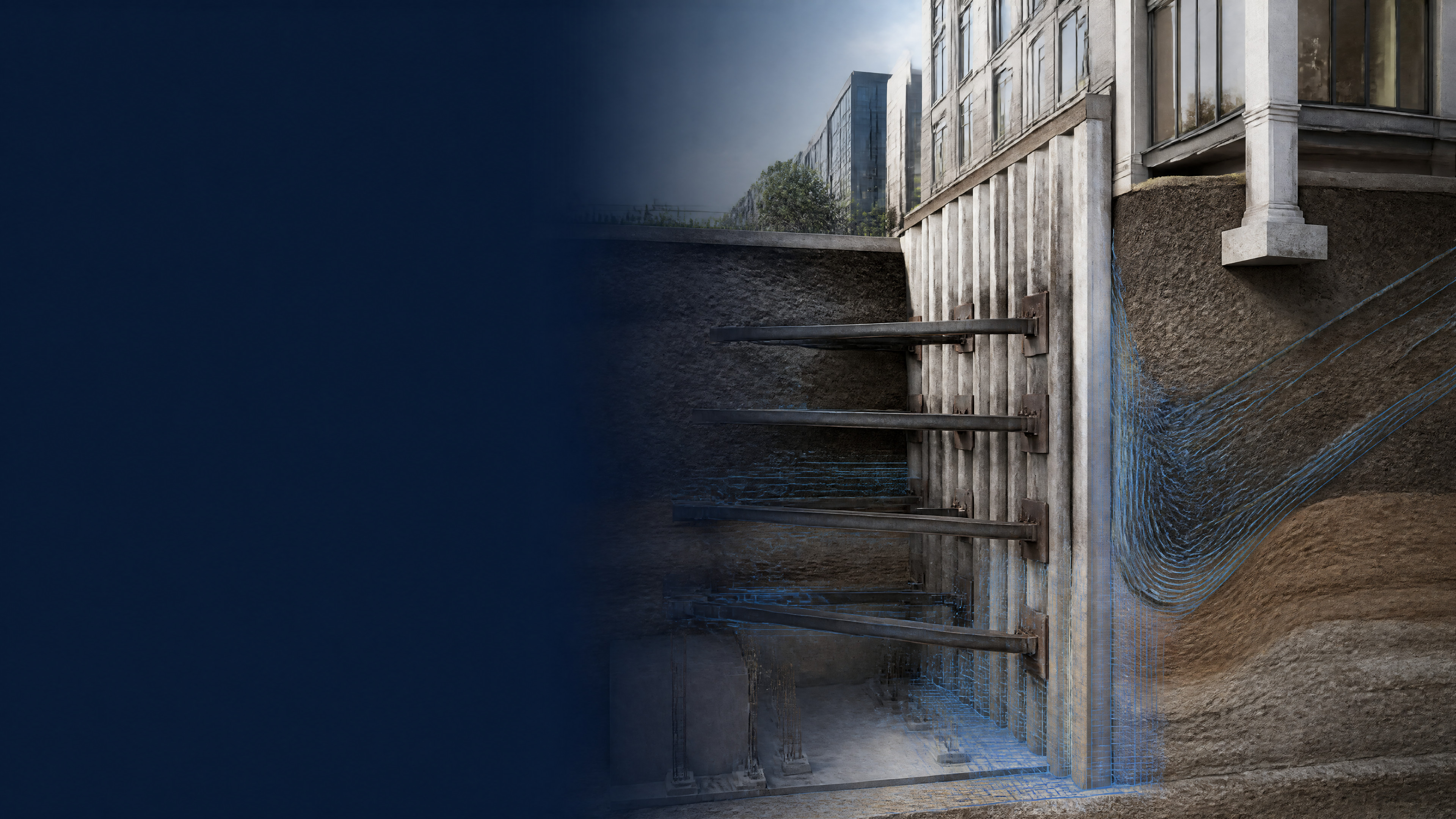
Connected Delivery / ELS Design
Excavation & Lateral Support Design
Connect staged excavation data, PLAXIS runs on the Windows worker, wall and support assumptions, design checks, and calculation records in one engineering record.
- Best for
- Geotechnical and structural engineers coordinating staged excavation design and PLAXIS runs.
- Outcome
- A staged ELS record connecting build inputs, PLAXIS run state, design checks, and calculation evidence.
- Runs in
- Browser workspace + Windows worker - PLAXIS required for run stage
- Requirements
- Build and design use the AEIS worker; PLAXIS execution requires the configured licensed desktop environment.
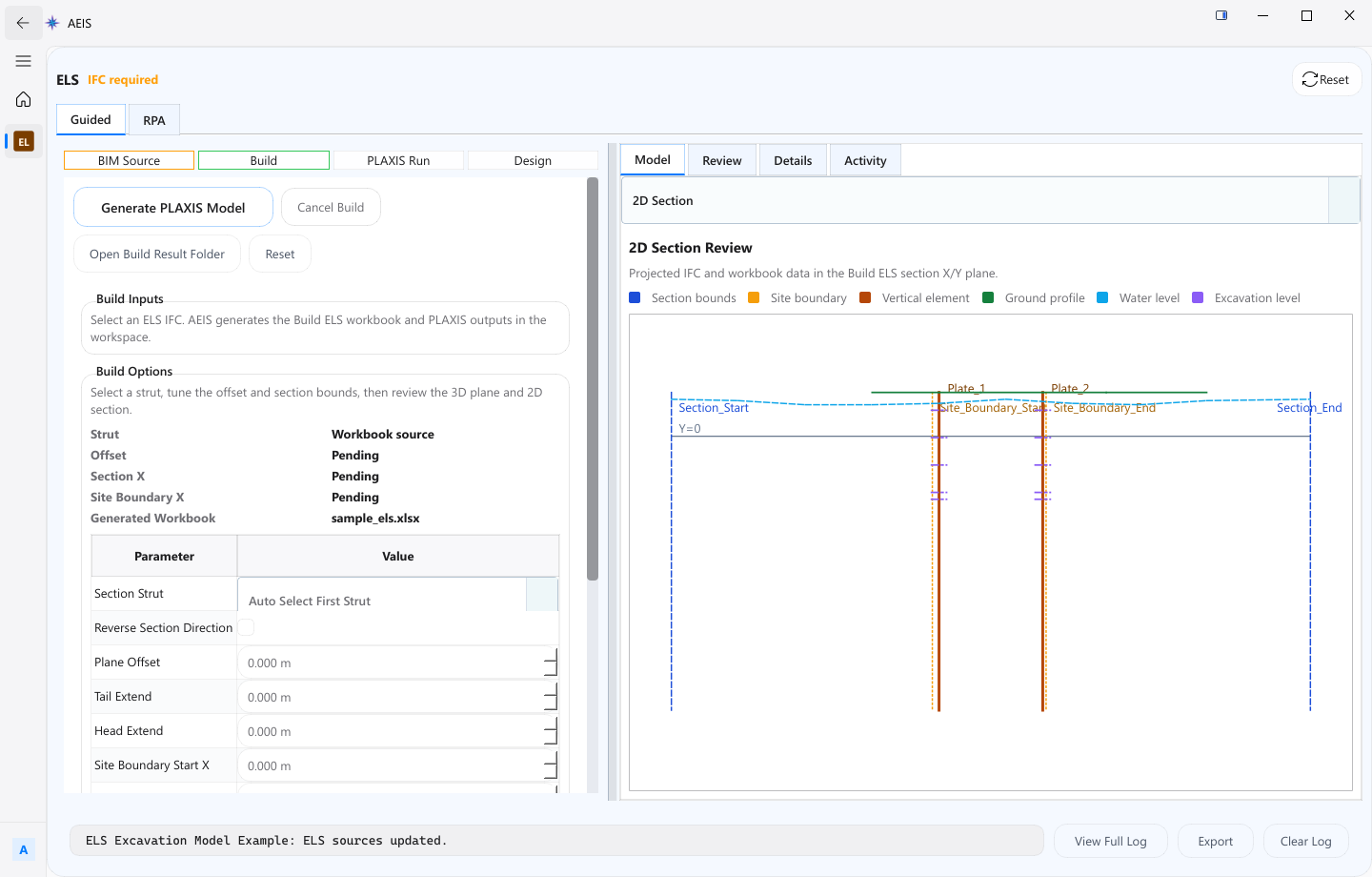
Evidence surface
Inspect the working evidence.
Review the product capture, then use the checklist for what a qualified engineer can verify before handoff.
- Staged excavation build data
- PLAXIS run on the licensed worker
- Wall and support design checks
- Calculation records for the sequence
PLAXIS execution cannot run in the browser alone and depends on the licensed worker environment; ground, wall, support, staging, and design decisions remain engineer-reviewed.
Product details
Inputs, steps, and deliverables.
Connect staged excavation inputs, PLAXIS execution, design checks, and calculation records.
Inputs
- Staged excavation data
- Wall and support assumptions
- Design and run configuration
- PLAXIS stage settings on the licensed worker
Steps
- Build staged excavation data and support assumptions
- Configure design and PLAXIS run settings
- Run the PLAXIS stage on the licensed Windows worker
- Review design checks, calculations, and decisions
Outputs
- PLAXIS run inputs and state
- Design checks for wall and support stages
- Calculation records for the delivery sequence
- Artifacts tied to the staged build
Value and use
Why teams use Excavation & Lateral Support Design.
What this product is for in practice, and the engineering situations teams bring into AEIS first.
Value
- Keep staged build data with wall and support assumptions
- Run PLAXIS through a controlled Windows worker stage
- Attach design checks and calculation records to the same sequence
Use cases
- Build a multi-stage excavation sequence for analysis
- Run PLAXIS for a defined support stage
- Review wall and support checks after the run
- Retain calculation records for design decisions
FAQ
Before you evaluate this product.
Common questions about Excavation & Lateral Support Design, execution requirements, and engineer responsibility.
Can PLAXIS run in the browser?
No. PLAXIS execution requires the configured licensed desktop environment through the AEIS Windows worker. AEIS coordinates build, design, and evidence around that stage.
What does the engineer still decide?
Ground, wall, support, staging, and design decisions remain engineer-reviewed. AEIS does not replace geotechnical or structural acceptance.
What is the primary outcome?
A staged ELS record that connects build inputs, PLAXIS run state, design checks, and calculation evidence for the delivery sequence.
Evaluate Excavation & Lateral Support Design on your engineering case.
Describe the excavation & lateral support design inputs and required deliverable. AEIS will confirm product fit, execution requirements, and the engineer-owned acceptance point.